Technical
Dungeons and Dragons Synced Stats Tracker
December 2024
A tabletop stats system of custom PCBs linked over I2C that lets a Dungeon Master see and edit every player’s health and stats from a Python app.
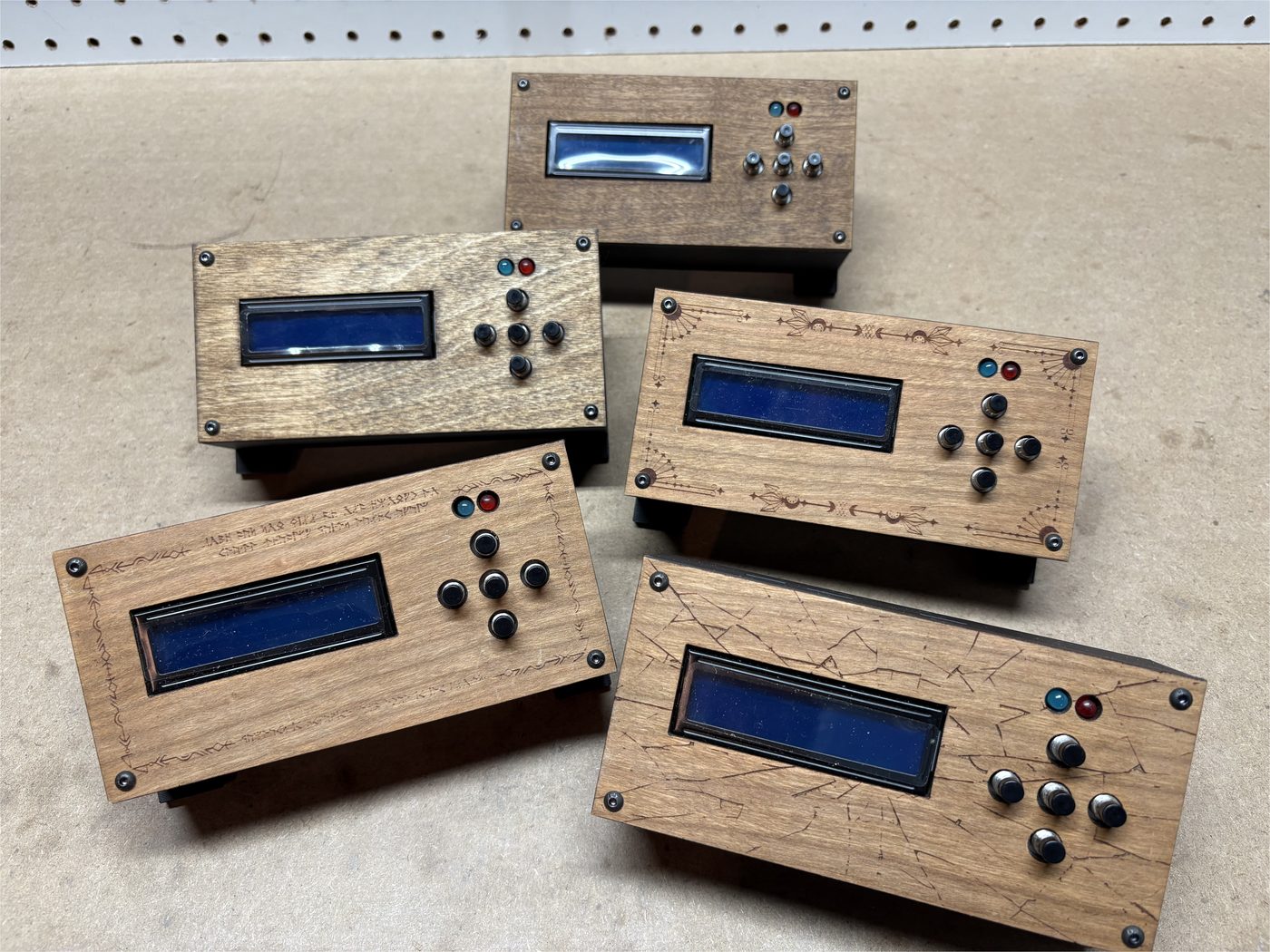
The Table
I built this while playing Dungeons and Dragons so the DM could see everyone’s health. Each player has a module linked to the others over I2C. One wire can run around the table connecting all of them. The wire ends at the DM’s tracker, which is wired to a computer over USB. View on GitHub.
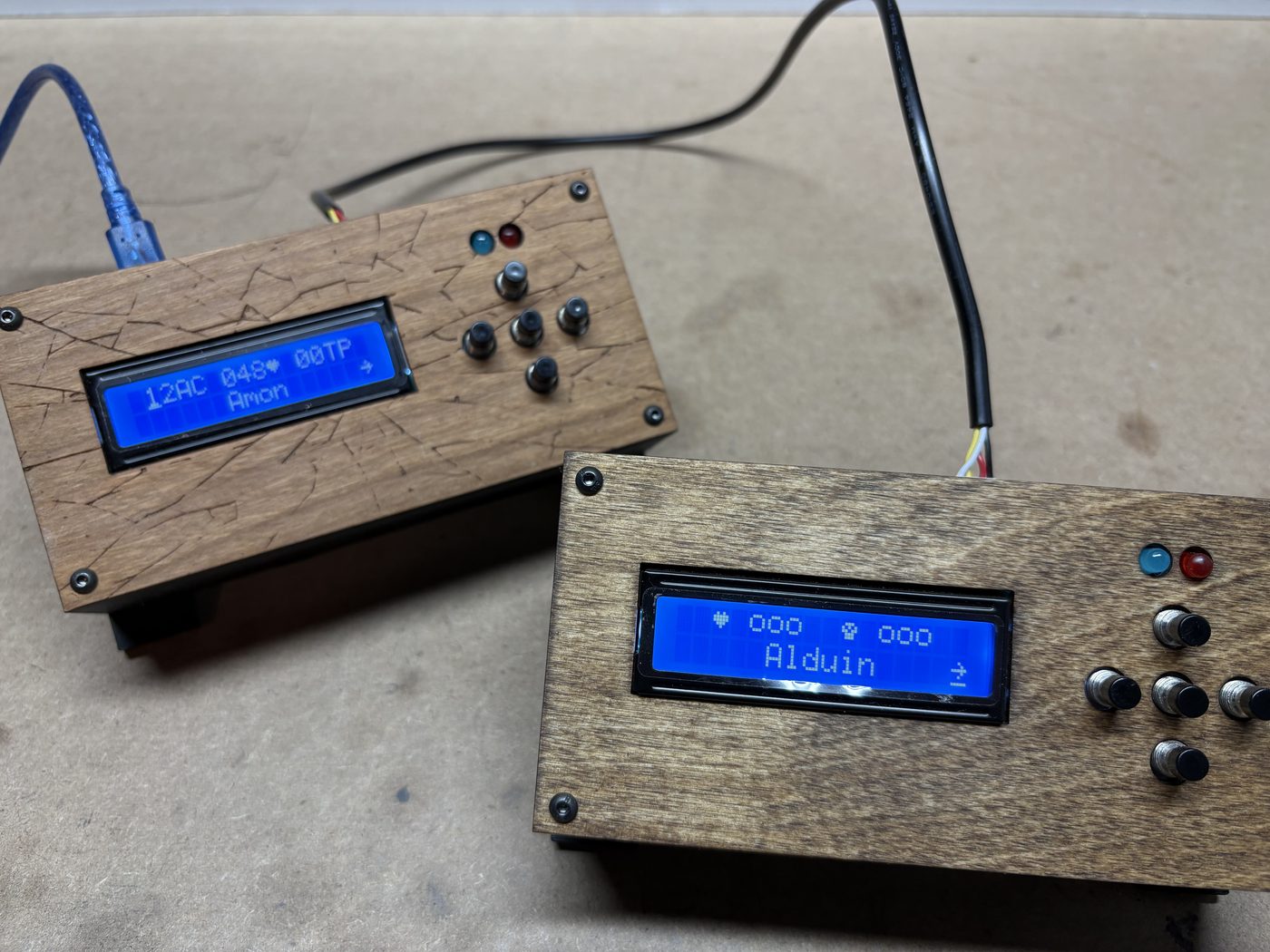
The Hardware
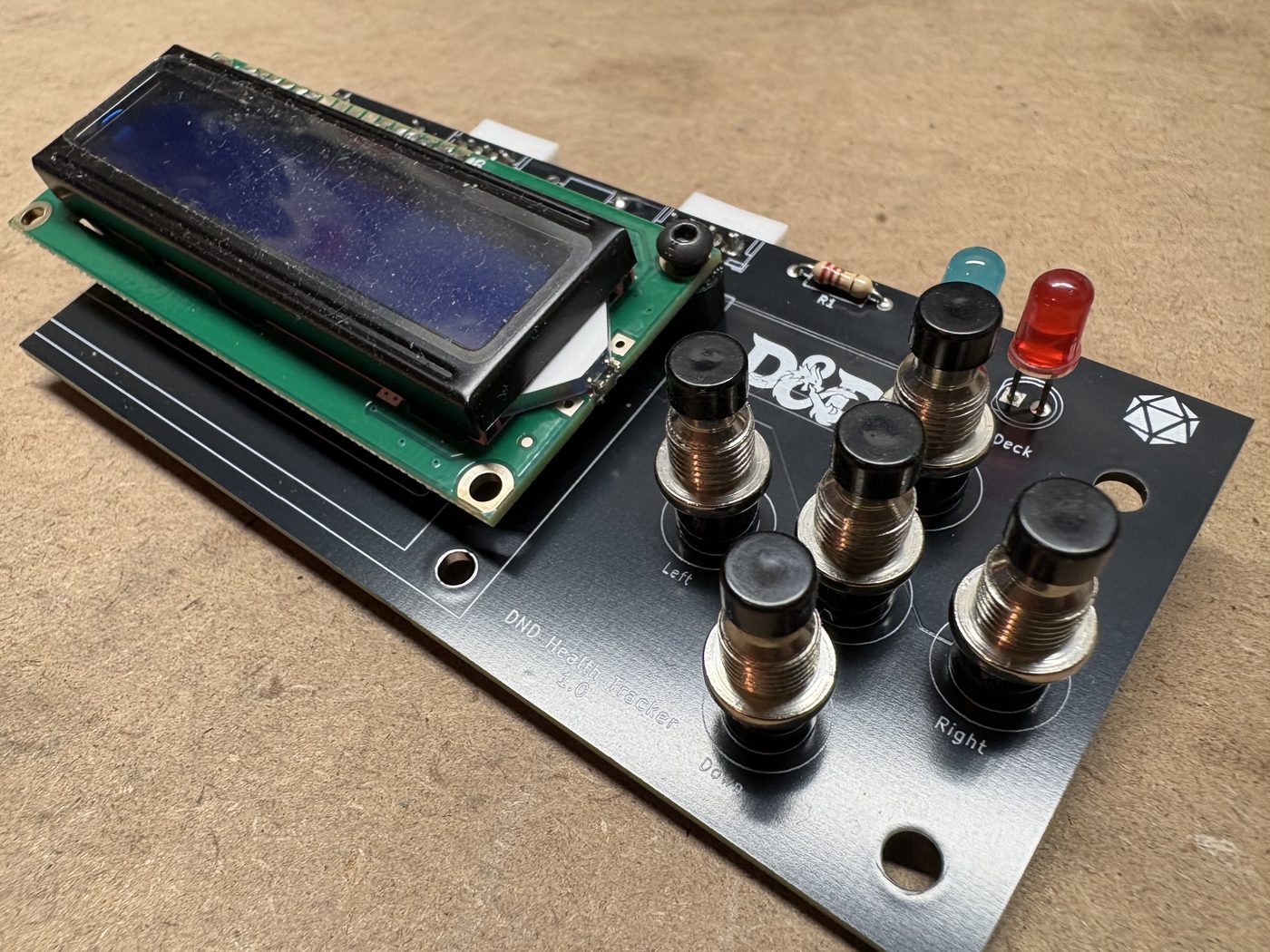
Each tracker has a microcontroller, five buttons, an LCD screen, two LEDs, two I2C ports, and a 4-pin DIP switch for assigning the module’s I2C id, all soldered to a custom PCB. The LCD can display multiple pages of statistics; the buttons modify the currently selected statistic. The two LEDs show whether it is the player’s turn or the player is next. The microcontroller processes inputs and outputs and transmits data with the host module.
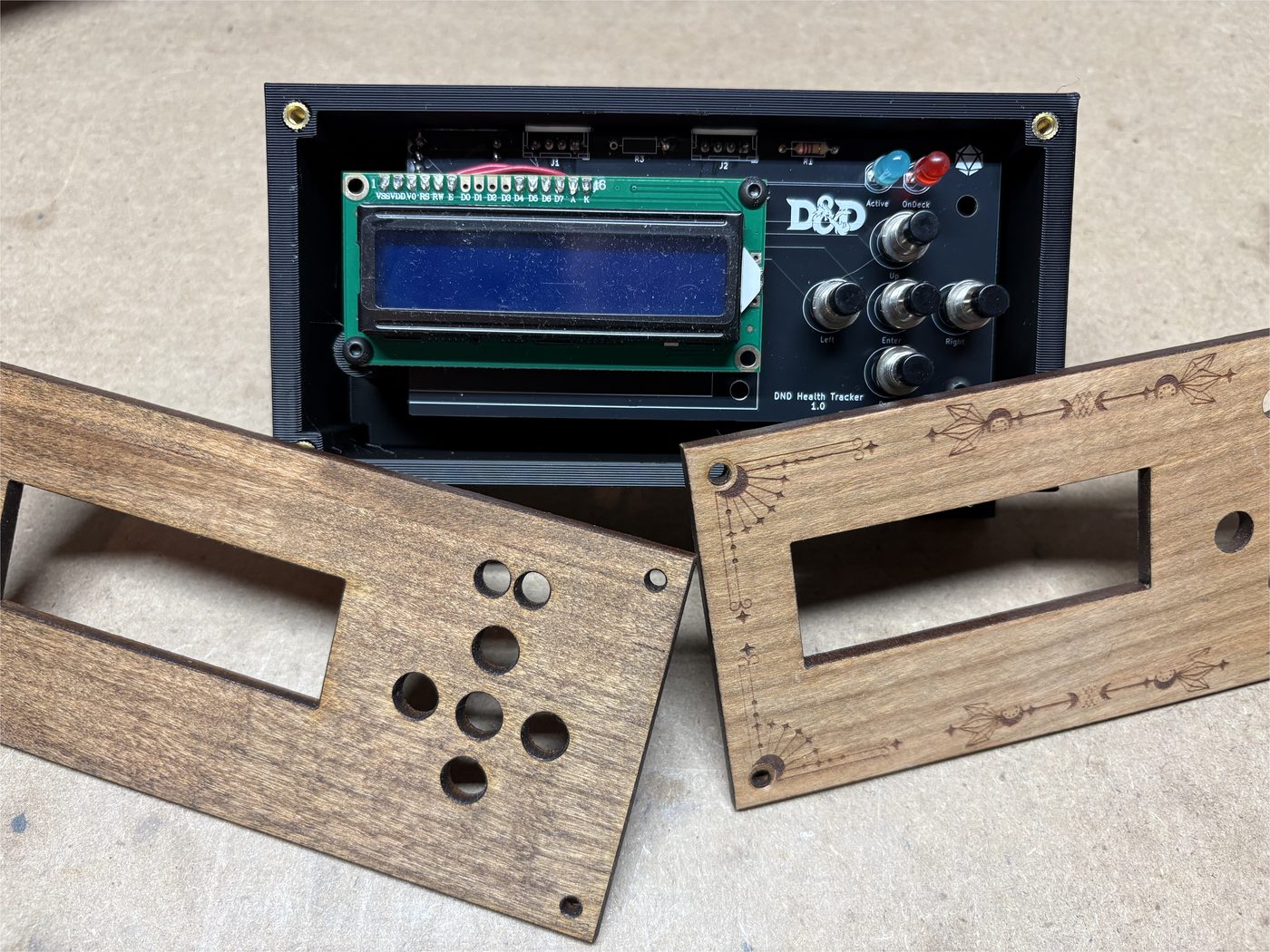
Each PCB sits in a custom 3D-printed body. The top is stained laser-cut wood that can have details engraved for personalization.
The App
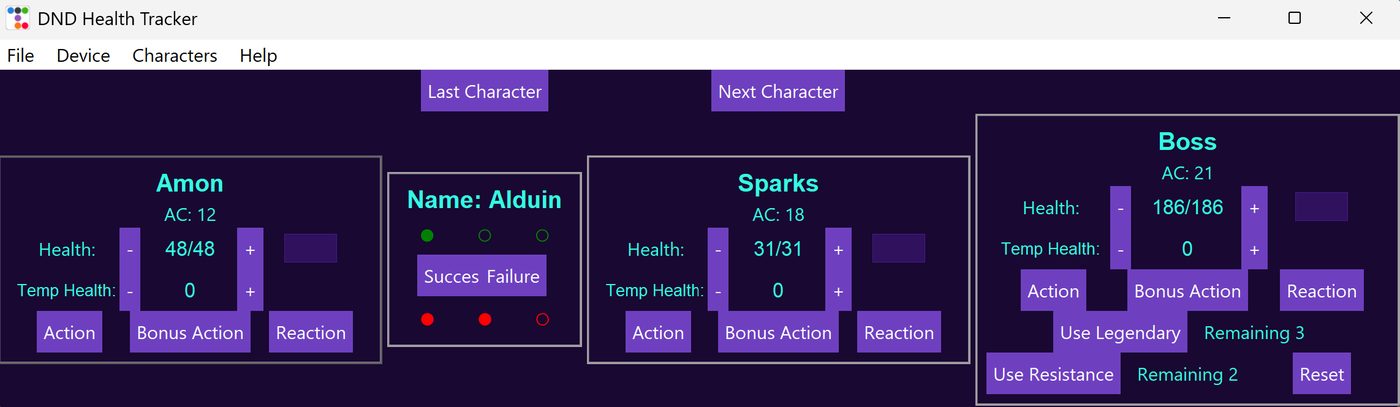
I wrote a custom Python/Tkinter program, packaged as an executable, that views and modifies players, characters, and statistics. On start, the user can open a previous file or create a new one, then create or edit characters and their general statistics. Characters can be archived for later use. In a game, the user can set turn order so actions reset on players’ turns and the turn LEDs on the modules update.
The main window shows all characters currently in play and lets the user modify any statistic. The tracker connected to the computer also shows a clone of the active player’s module for quick changes without keeping the program in focus. The program includes a death-save counter when a character drops to 0 hit points, and a revive flow if the character dies.
Updates
When the program starts, it checks a GitHub repository. If GitHub has a newer version than the local program, it asks whether to update. If the user agrees, the program downloads the new version, uninstalls the old one, and opens the new one.